Convenient Account Access
An app-style interface can keep login, profile details, wallet pages, and support links together in a format designed for everyday Android use.
 Register
The 33PHP App page helps Philippines users understand the Android app process before they download or sign in. It covers finding the official app source, installing an APK carefully, reviewing account and wallet tools, managing updates, and protecting personal information. Adults should also check applicable local rules and approach online gaming as entertainment with clear personal spending limits.
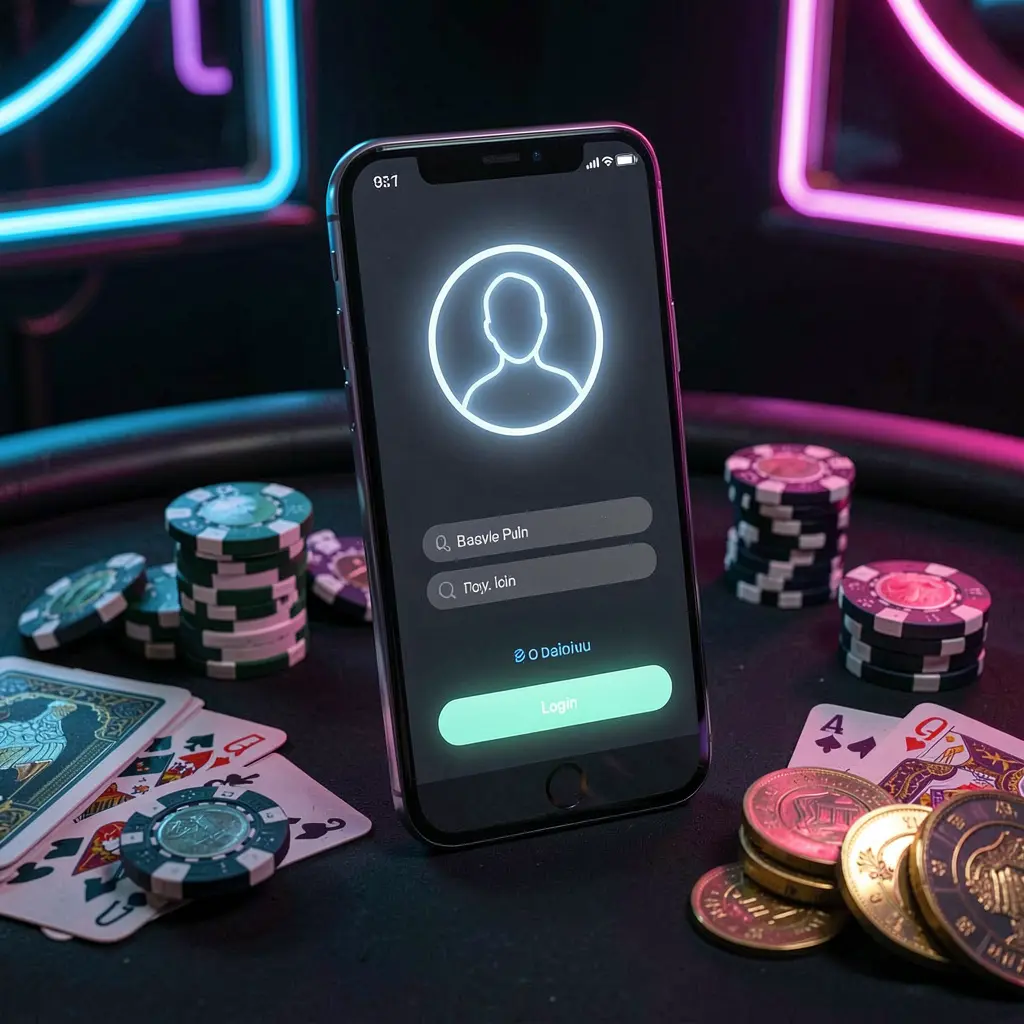
The 33PHP App is a mobile access option for Android users who prefer an app-style layout rather than opening a browser every time. A clear app guide should explain where to find the official download, how to install it, and which safety checks matter before entering account details.
For users in the Philippines, mobile access can place account settings, wallet information, promotion pages, and support options within easier reach. That convenience should be balanced with careful security habits, including using a private device, keeping software updated, and reading platform conditions before taking part.
An app-style interface can keep login, profile details, wallet pages, and support links together in a format designed for everyday Android use.
Users can review available wallet information and transaction records carefully, while checking relevant conditions before making any account decision.
Promotion pages may be easier to browse on mobile, but users should read eligibility, expiry, wagering, and withdrawal terms before opting in.
A safer setup relies on official download sources, strong credentials, device updates, and thoughtful permission choices throughout installation and use.
Installing an Android APK requires attention because files from unverified sources may create security and account risks. Begin only after confirming that the app is available through an official 33PHP page and that using online gaming services is appropriate under rules that apply to you.
Open the main 33PHP website or its designated app area using your Android browser. Avoid download links from unknown messages, public groups, social posts, or third-party pages that cannot be verified.
Select the Android download option and allow the file to finish downloading. Check that the file comes from the expected source, and do not open duplicate files or downloads with unfamiliar names.
Android may request permission to install an app from your browser or file manager. Allow this only when necessary for installation, then disable the permission afterwards if you no longer need it.
Complete the on-screen installation prompts, launch the app, and sign in only on a private device. Review profile details, security settings, and available terms before using wallet or gaming features.
Take a few minutes to complete these basic checks before logging in or using account features.
Use the same official 33PHP source when checking for app updates. Be cautious about update links sent through unsolicited chats or accounts that request sensitive information. Never provide your password, verification code, banking details, or full device access to someone claiming to offer installation help.
Review every permission request before accepting it. Permissions should make sense for the app's basic function; unexpected access to contacts, messages, accessibility controls, or device administration deserves extra caution. If a request seems unrelated, stop the process and verify the source before proceeding.
Online gaming can involve financial loss and should not be treated as an income source. Use only money you can afford to lose, avoid chasing losses, and take a break when play no longer feels manageable. Adults in the Philippines should check applicable local requirements before participating.
Common questions about the 33PHP App, Android installation, account protection, and responsible mobile use.
The 33PHP App is a mobile access option for Android users who want to reach account, wallet, support, promotion, and platform areas through an app-style interface.
Visit the official 33PHP website or app page, locate the Android download option, and avoid APK files shared through unknown messages, groups, or unverified websites.
Download the APK from the official source, allow installation from the browser or file manager if Android requests it, install the file, and disable that permission again afterwards.
Review permissions carefully and question access that does not appear relevant to normal app use, especially requests involving messages, contacts, accessibility features, or device control.
Yes. Users should review current local requirements and restrictions before downloading, registering, depositing, or participating in online gaming-related activity.