Trusted Access Links
Using a verified bookmark or the official homepage can help prevent accidental visits to imitation sites. Check the browser address carefully before entering credentials or responding to security requests.
 Register
33PHP Login helps registered users open their account, review profile and wallet areas, view available notices, and continue using the platform on mobile. This guide for users in the Philippines covers careful sign-in steps, verification prompts, password recovery, device checks, privacy habits, and responsible use while protecting personal account details.
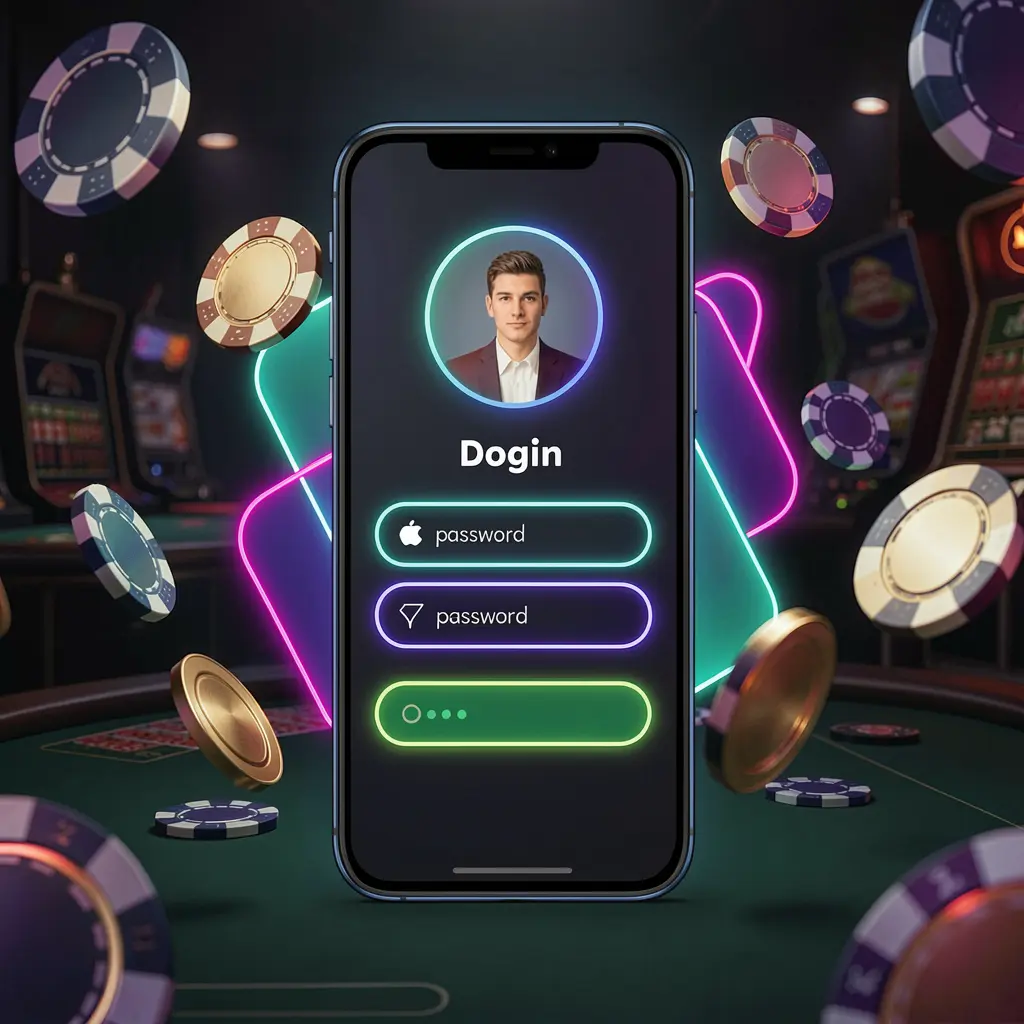
The 33PHP Login page is where registered users enter their account to manage profile information, view wallet-related sections, check account notices, and use available platform features. It should be approached as a private account area rather than a link to open casually.
Before entering credentials, confirm that the page was reached through the official 33PHP website or a trusted saved bookmark. Avoid copied links from unknown messages, social posts, pop-up ads, or private accounts offering login assistance.
Users in the Philippines should keep their registered phone number or email accessible, especially if a confirmation code is required. They should also check local requirements, read applicable platform terms, and use gaming-related services only within personal limits.
A consistent sign-in routine can reduce typing errors and help users spot unusual pages before sharing sensitive details. Take a moment to verify the website, then enter the information linked to the account.
Open 33PHP through its official website or a bookmark you created after verifying the address. Do not use links from unfamiliar chats, forwarded messages, advertisements, or lookalike pages.
Provide the phone number, email address, username, or other account detail used during registration. Check spelling, number format, and browser auto-fill before submitting the login form.
If a captcha, OTP, or device confirmation appears, complete it only on the official 33PHP page. Never disclose a code, password, or reset link to another person.
Review the displayed profile details, wallet records, messages, and security settings. Pause and use the official support route if you notice unfamiliar activity or information.
Using a verified bookmark or the official homepage can help prevent accidental visits to imitation sites. Check the browser address carefully before entering credentials or responding to security requests.
A current phone number or email address helps when a verification notice or password reset is needed. Remove contact details you no longer control whenever account settings allow it.
After access is granted, users can review profile information, wallet-related records, notifications, and account settings. Regular checks make it easier to identify details that need attention.
Personal devices are generally easier to manage than shared phones or computers. Log out after every shared session and avoid allowing browsers to store passwords on devices others can use.
Sign-in issues may result from an incorrect password, an outdated saved detail, poor connectivity, or an expired verification request. Work through one check at a time rather than making repeated attempts that can create further delays.
Confirm that the registered login detail is correct, then use the official password recovery option if necessary. Create a new password that is unique and not used for email or financial accounts.
Check phone signal, email spam folders, blocked-message settings, and the registered contact information. Wait briefly before requesting another code, since repeated requests may invalidate earlier messages.
Check your internet connection, refresh the browser, clear cached data, or use an updated browser. Close pages with unexpected redirects, unusual forms, or requests unrelated to account access.
Stop using the account if you see unknown changes, notices, or records. Change access details through official tools where available and contact platform support through its verified help section.
Many users access 33PHP from a phone, making basic device security especially important. Keep the operating system and browser updated, use a screen lock, and avoid entering account details while connected to untrusted public networks.
Account access should support informed, controlled use rather than impulsive decisions. Online gaming-related activity can involve financial risk, so adults should consider local rules, protect their privacy, and stop if use causes pressure, debt, conflict, or loss of control.
Answers to common questions about 33PHP Login, mobile account access, verification, password recovery, and safer account management in the Philippines.
Open the official 33PHP page or a trusted bookmark, select the login option, enter the account details used during registration, and complete any verification prompt shown on the page.
Check your mobile signal, inbox or spam folder, message filters, and whether the registered phone number or email is still active. Wait before requesting another code.
Use the official password recovery feature on the 33PHP login page. Do not accept reset instructions from private chats, and choose a new password that is not reused elsewhere.
You can use the official 33PHP access page through a compatible mobile browser. Use a private, updated device where possible and avoid saving credentials on shared phones.
Use trusted access links, keep recovery contacts current, do not share passwords or OTP codes, log out on shared devices, and review account information for unfamiliar changes.